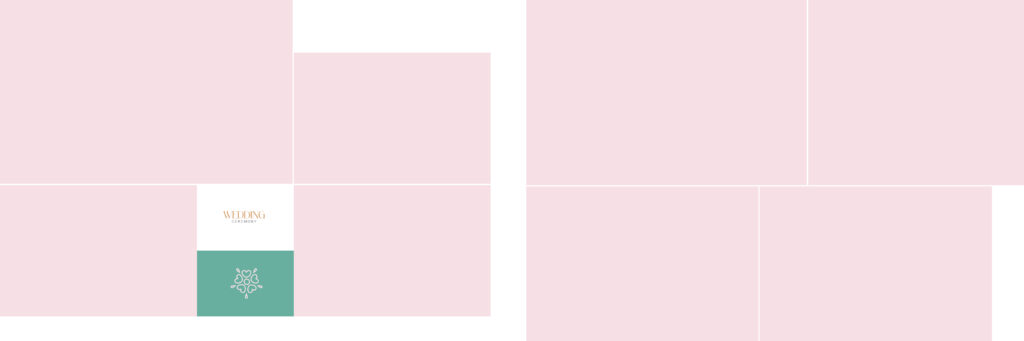
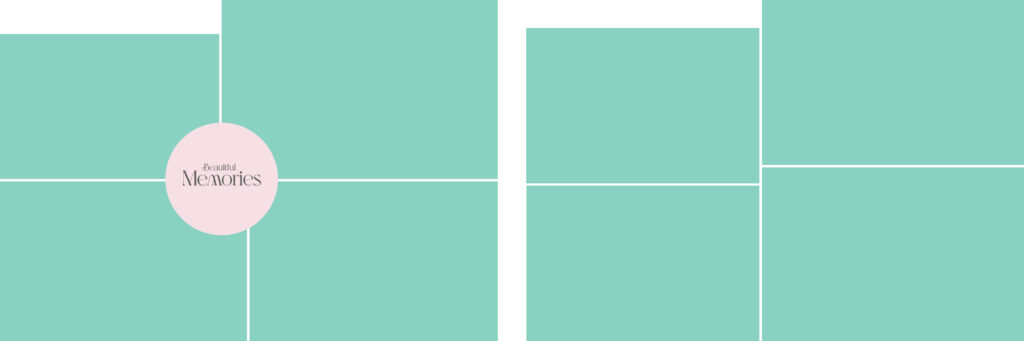
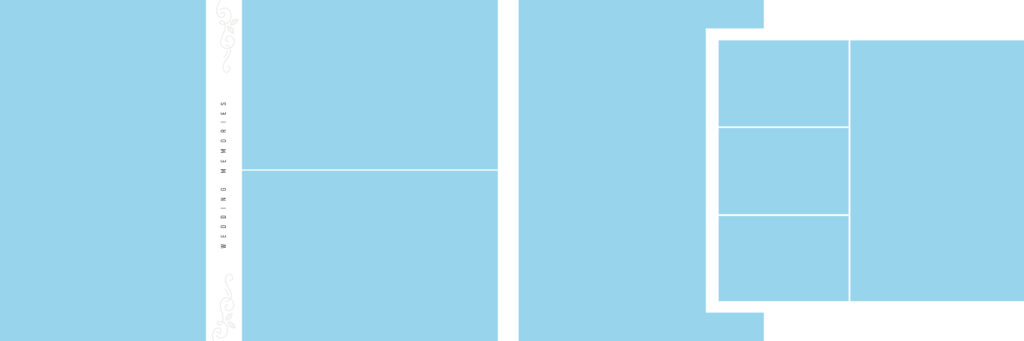
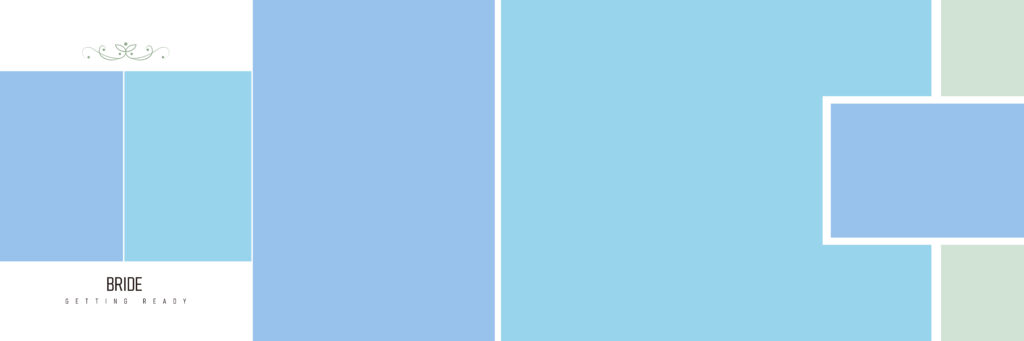
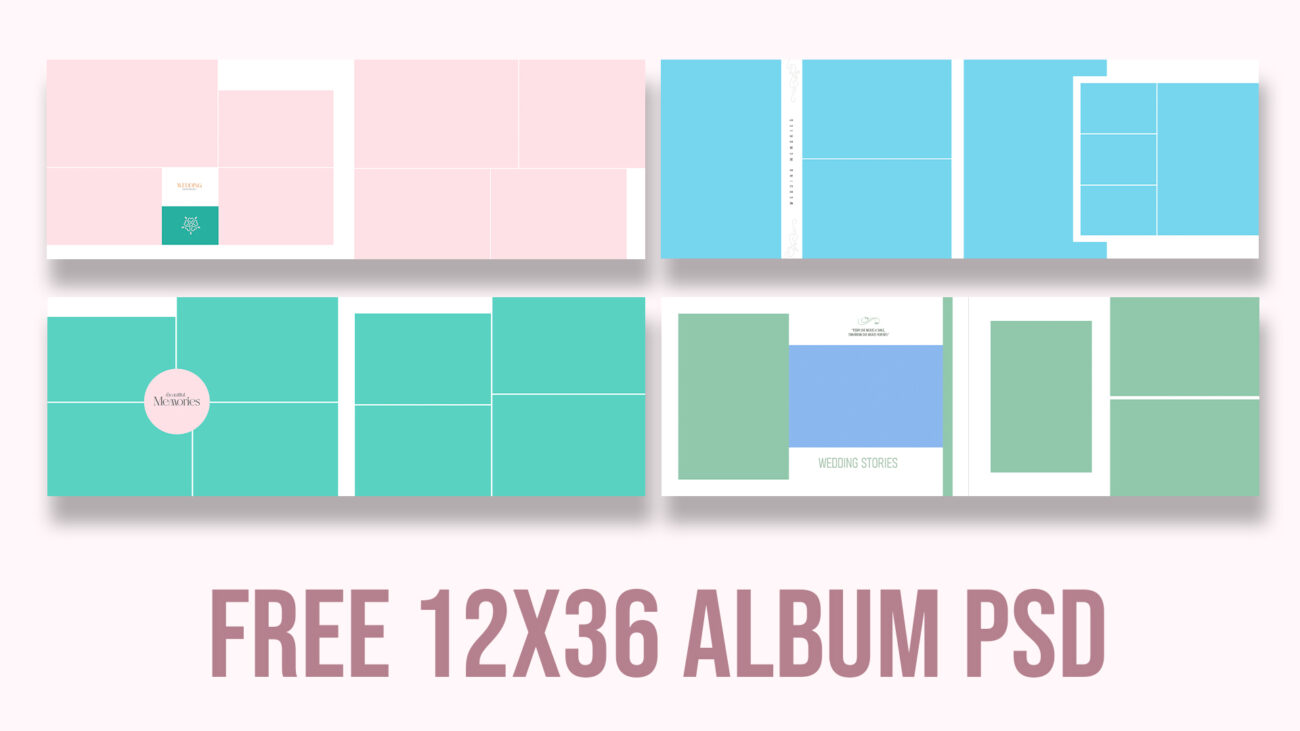
Designing a wedding album from scratch is time-consuming. To help my fellow designers and photographers speed up their workflow, I am giving away 10 of my own premium Wedding Album designs—completely free!
These aren’t just flat backgrounds; these are fully layered PSD files. You can change colors, adjust the grids, and edit the text to perfectly match your client’s wedding theme.
Why Use These PSD Templates?
As a designer, I know that every wedding has a different vibe. That’s why I’ve included a variety of color palettes and layout styles in this pack:
Fully Editable Layers: Modify the backgrounds, shapes, and frames.
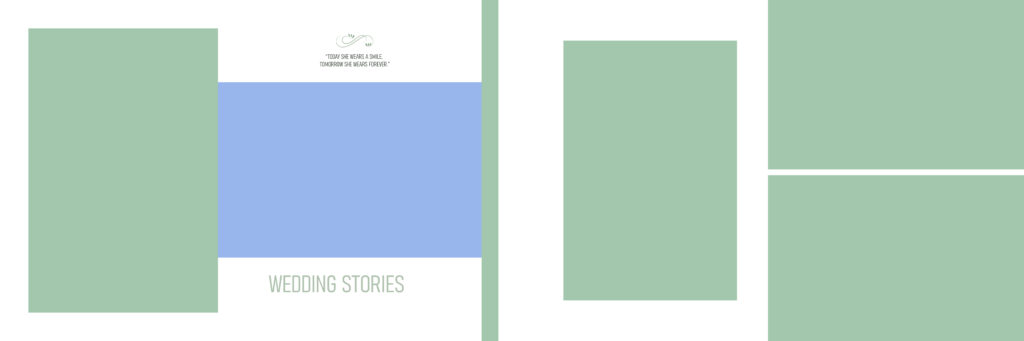
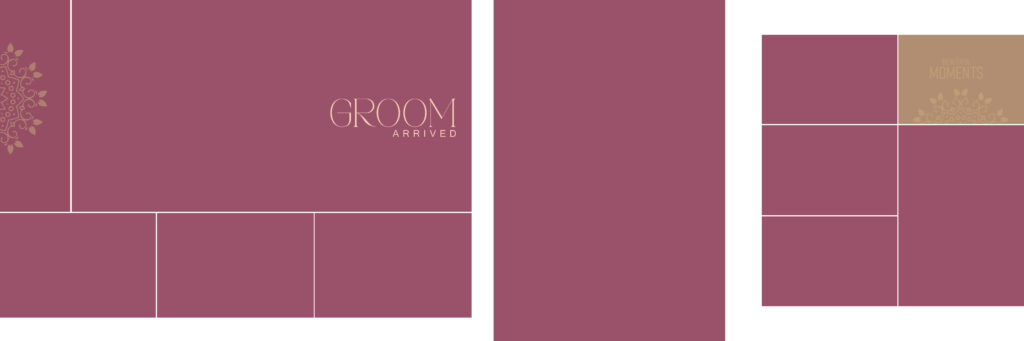
Themed Layouts: Specific designs for “Bride Getting Ready,” “Groom’s Arrival,” and “Wedding Stories.”
High Resolution: Designed at 300 DPI, perfect for Karizma, Canvera, and large-format printing.
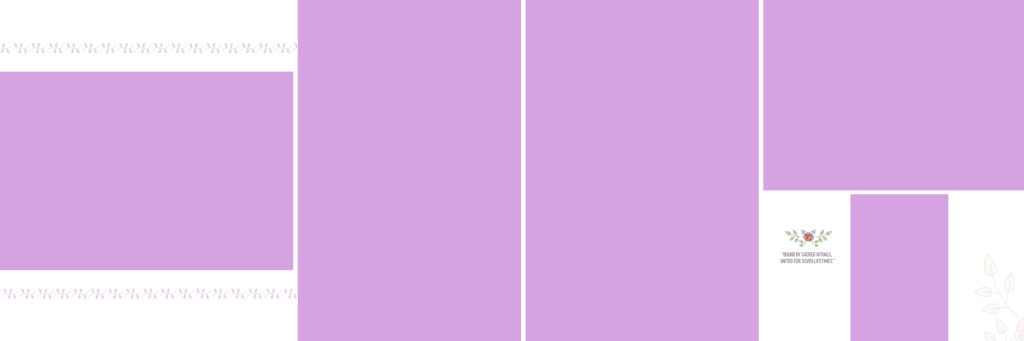
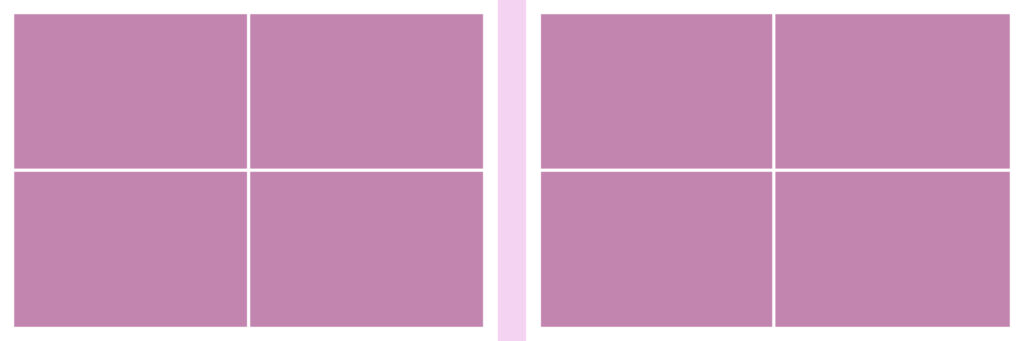
Versatile Palettes: Includes elegant teals, soft pastels, romantic lavenders, and bold maroon themes.
Template Preview & Features
Feature
Specifications
File Format
Adobe Photoshop (PSD)
Layers
Organized & Named
Resolution
High-Quality (300 DPI)
Customization
Full control over colors and text
Price
FREE
Design Highlights:
Modern Minimalist: Clean white and pastel grids for a high-end look.
Vibrant & Bold: Rich colors like teal and deep red for traditional ceremonies.
Typography Included: Elegant “Save the Date” and “Beautiful Memories” text layers.
How to Customize These Designs
Download & Extract: Download the ZIP file from the link below and open the PSD files in Adobe Photoshop.
Insert Photos: Use Clipping Masks (Ctrl + Alt + G) to place your photos into the frames.
Adjust Colors: Use the Fill layers to change the background colors to match the couple’s outfits.
Save & Print: Once your layout is ready, save it as a high-quality JPEG for printing.