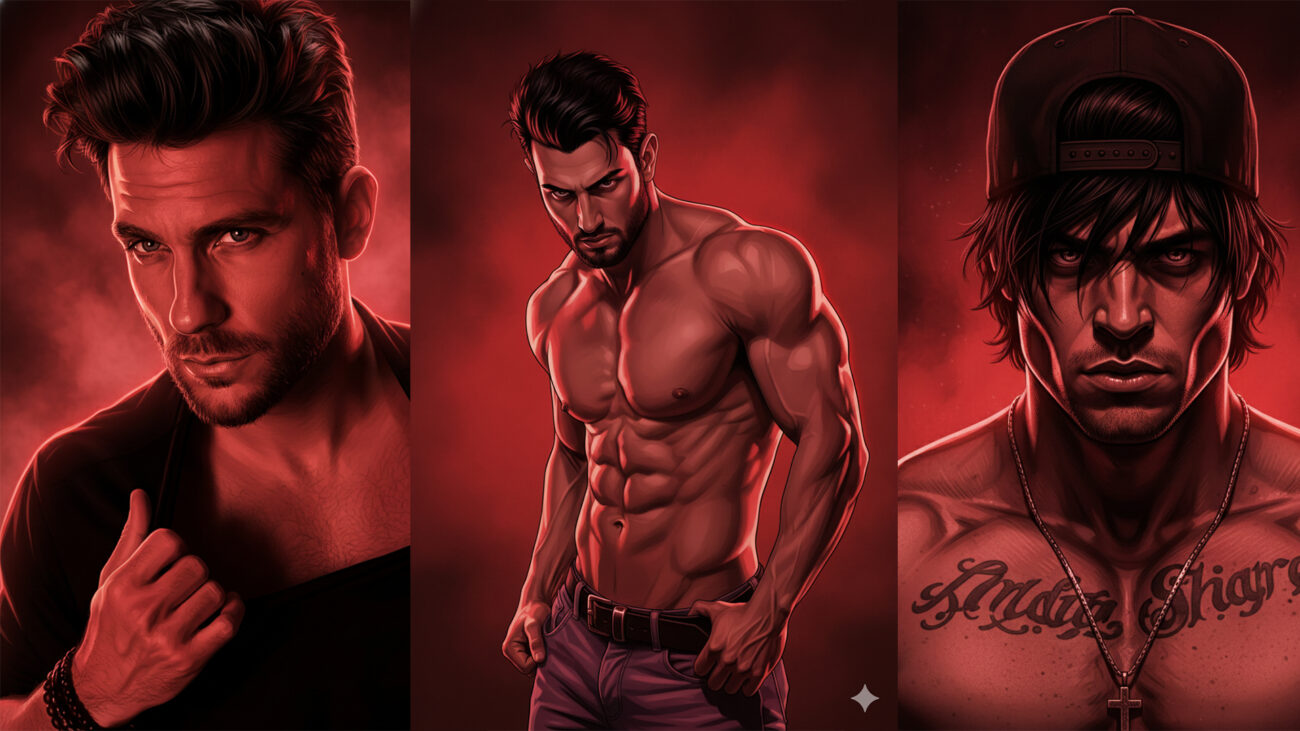
The images featured above were created using Gemini AI based on a detailed prompt crafted by me. My goal was to achieve a cinematic red, action-movie poster look inspired by graphic novel realism, with intense lighting, bold shadows, and a dramatic atmosphere.
In this post, I’ll explain the concept, prompt structure, visual style, and how this kind of artwork can be used alongside Photoshop workflows for creative projects.
About This Gemini AI Artwork
I used Gemini AI to generate a hyper-detailed digital illustration with the following creative direction:
Rugged male character with intense expression
Dramatic red lighting and color grading
Smoky, textured red background
Graphic novel / comic-book realism
High contrast shadows and rim lighting
The focus was on creating a cinematic, premium visual similar to action-movie posters and modern gaming artwork.
Prompt Strategy I Used
When working with AI tools like Gemini, the prompt quality directly affects the output. I carefully defined:
Facial structure and expression
Lighting direction and mood
Color dominance (red cinematic tone)
Illustration style (graphic novel realism)
High detail and sharp linework
This helped maintain consistency, intensity, and visual depth across all generated images.
Why Cinematic Red Works So Well
Red-based cinematic grading is powerful because it creates:
Emotional intensity
Strong visual contrast
Action-oriented mood
Poster-style appeal
That’s why this color style is commonly seen in movie posters, comic covers, gaming thumbnails, and dramatic portraits.
How I Use AI Images With Photoshop
While these images are generated using Gemini AI, Photoshop still plays a major role in my workflow:
Cropping and composition refinement
Text and typography design
Thumbnail layout for YouTube
Color fine-tuning if required
Branding for Photoshop Binary (PSB)
AI helps with creation, Photoshop helps with control and presentation.
Practical Uses of This Style
This kind of cinematic AI artwork can be used for:
YouTube thumbnails
Blog cover images
Social media creatives
Poster concepts
Digital art inspiration
It’s especially useful for creators who want high-impact visuals in less time.
Ethical & Creative Use of AI
I believe in being transparent about AI usage.
These visuals are AI-generated artworks, used for creative, educational, and design inspiration purposes.
AI is a tool — creativity still comes from concept, direction, and refinement.
Prompt :
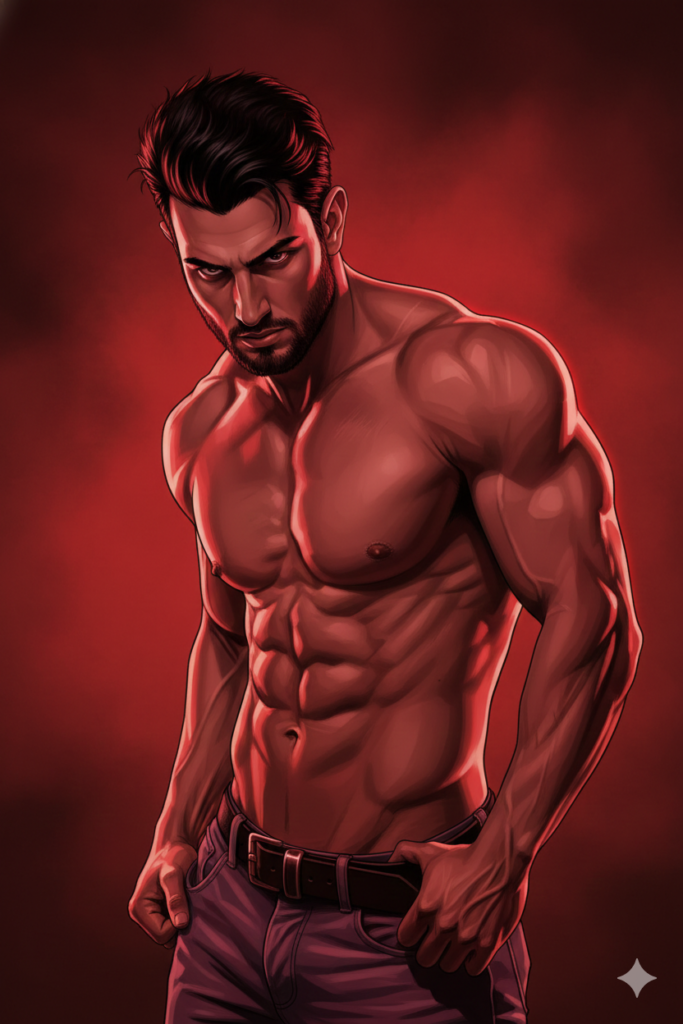
A hyper-detailed digital illustration of a rugged man (use uploaded photo, no change to the face, keep the face 100% identical to the reference image) with medium-length messy black hair and light stubble, staring intensely at the viewer. Dramatic red lighting and color grading dominate the scene, with a smoky, textured red background creating a cinematic, action-movie poster vibe. The style is graphic novel / comic book realism with sharp linework, high contrast shadows, and glowing rim light along the face and shoulders.
Final Thoughts
Gemini AI makes it possible to quickly explore cinematic visual styles, while Photoshop allows us to shape those visuals into professional designs.
By combining AI creativity + Photoshop skills, creators can unlock powerful new workflows without compromising quality.
Stay connected with Photoshop Binary (PSB) for more content on:
AI + Photoshop workflows
Cinematic design styles
Advanced photo editing concepts